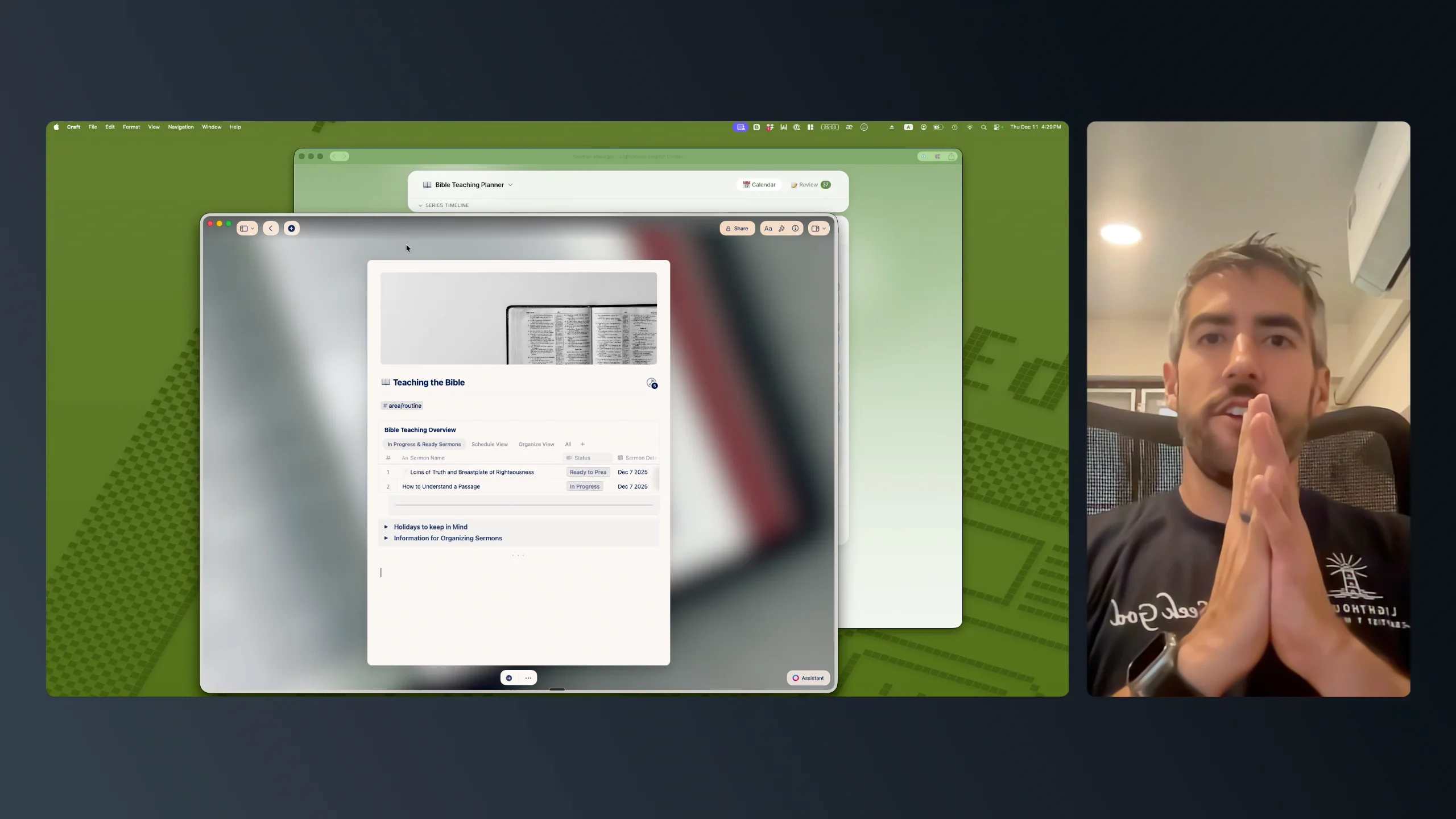
Winter Challenge Submission by Norbu ---------------------------------------------- TL;DR Out of Mind Capture thoughts and screenshots to Craft Daily Notes from any window, even fullscreen apps or games. One hotkey. Zero context switching. A universal hotkey like the Lazy App, or quick entry in Things 3, TickTick, etc. Demo: Youtube link attached; the description has 3 quick timestamps of real use case. ---------------------------------------------- You will use this several times a day. I guarantee it. Especially if you have ADHD (like me), or follow a capture system like GTD or CORE, etc. You know how when you're working on a project and you're focused, in the zone, that flow state... And then your brain has a thought: – an inspiring new idea perfect for another project, or, – a new creative million dollar idea, or, – you promised to send that info to that person.... three days ago Some ideas have to be captured right away else it's forgotten. Now, if I reach for my phone, 2 minutes turns to 32 minutes. If I switch the window that I'm working on and open Amazon or YouTube, or even just search for the right document inside the right subfolder in Craft......I'm already out of the Flow State. This happens to you too? I created a simple way that just works with Craft I Hit a shortcut, Type the note, hit save. Or I take a screenshot, save it, get back to work. Never leaving the current window, the current project, the Flow I was on. All saved to Daily Notes in Craft to tackle whenever i'm free. This helps prevent me from Context Switching several times a day which is the worst for ADHD peeps. Fewer interruptions, mean I work longer, I work better, and get more done. Saving at least an hour daily. P.S. Screenshots are compressed due to the api size limit on images.